Security & Permissions
Fully configurable role-based access control
Axel Henry ships with a granular, database-backed permission catalogue spanning every module. Administrators can build entirely custom roles — from a self-only Employee role to a company-wide System Administrator — by combining permissions with a visibility scope (self, team, business unit or company).
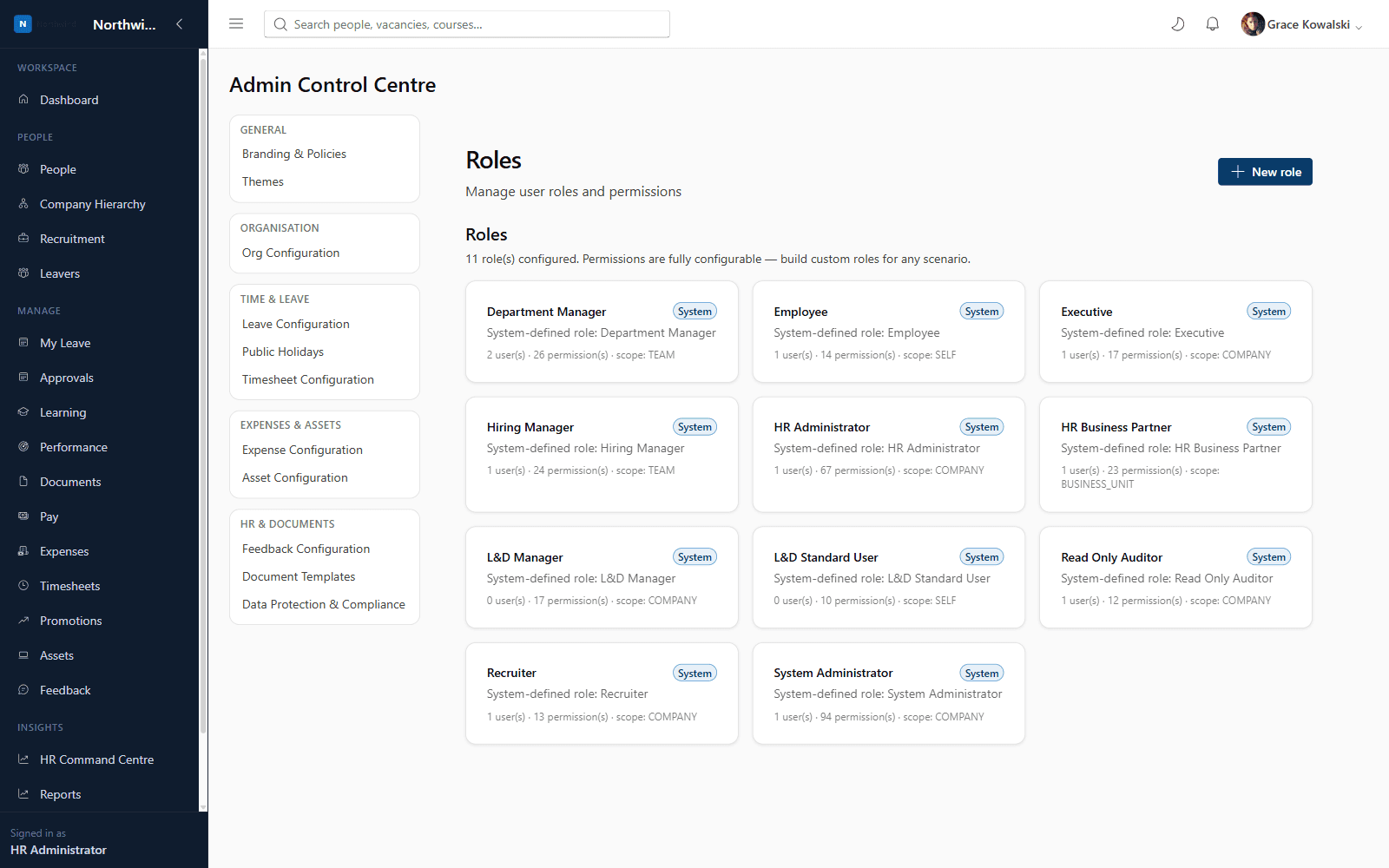
What you'll see inside
- 1
Highlight 1
Nine system-defined roles out of the box, fully editable
- 2
Highlight 2
Unlimited custom roles combining any permission set
- 3
Highlight 3
Four-tier visibility scoping (self / team / business unit / company) applied consistently across every module
- 4
Highlight 4
Every permission change and sensitive action recorded in the audit log
Why it matters
Benefits
- Nine system-defined roles out of the box, fully editable
- Unlimited custom roles combining any permission set
- Four-tier visibility scoping (self / team / business unit / company) applied consistently across every module
- Every permission change and sensitive action recorded in the audit log
Business value
- Reduces risk of over-privileged access
- Supports segregation of duties for audit and compliance requirements
New roles can be modelled and deployed in minutes instead of requiring a support ticket to a vendor.
Who it's for
- System Administrators
- IT & Security teams
Use cases
- Creating a bespoke 'Regional HR Lead' role scoped to a single business unit
- Restricting salary visibility to HR only
Roles & permissions
- System Administrator
- system.roles.manage
- system.users.manage
- system.audit.view
Dashboards
- Roles overview (users & permissions per role)
Workflows
- Create role → assign permissions → assign users
Configuration options
- Custom roles & permission sets
- Role scope (self/team/business unit/company)
- Password & session policy
- MFA enablement
Reports
- Role & permission summary
- Audit log
Frequently asked questions
See it running on your own organisation structure
Book a live walkthrough with our team, or start a free trial and explore Core HR today.